iPhone · Apple Watch · iPad
Your next set is already filled in.
QuietGains is a workout and food log for lifters who train on their own. Every set comes filled in from your last session, and one tap logs it.
01 · The set
Tap once. The set is in.
Weight and reps are already there. Tap once to log the set, and the rest timer starts on the Lock Screen and in the Dynamic Island. If the machine is taken, swap the exercise.
02 · The rule
A rule you can read.
Your next weight comes from your own log, by a rule written in plain language, with its reason shown. It runs on the phone, so a basement gym with no signal changes nothing.
last · 3 × 12 @ 40.0 kg, top of 8-12
rule · Top of range. Load up.
today · 42.5 kg × 8
03 · The recap
Nothing to write up.
Apple Watch runs the whole session with live heart-rate zones. When you finish, the recap on your phone already shows time in each zone, volume, sets and reps.
- volume
- 12,416 kg
- training
- 79 min
- logged
- 21 sets

Where it runs
Where it runs now, and what is next.
They ship one at a time, each when it is ready.
- Live
iPhone
Rest timer on the Lock Screen and Dynamic Island.
- Live
Apple Watch
The whole session, phone in the bag.
- Live
iPad
The same app and log on a bigger screen.
- In build
Android
In build.
- Next
Wear OS
After Android.
- Planned
Garmin
Planned.
04 · Fuel
Log food by photo or voice.
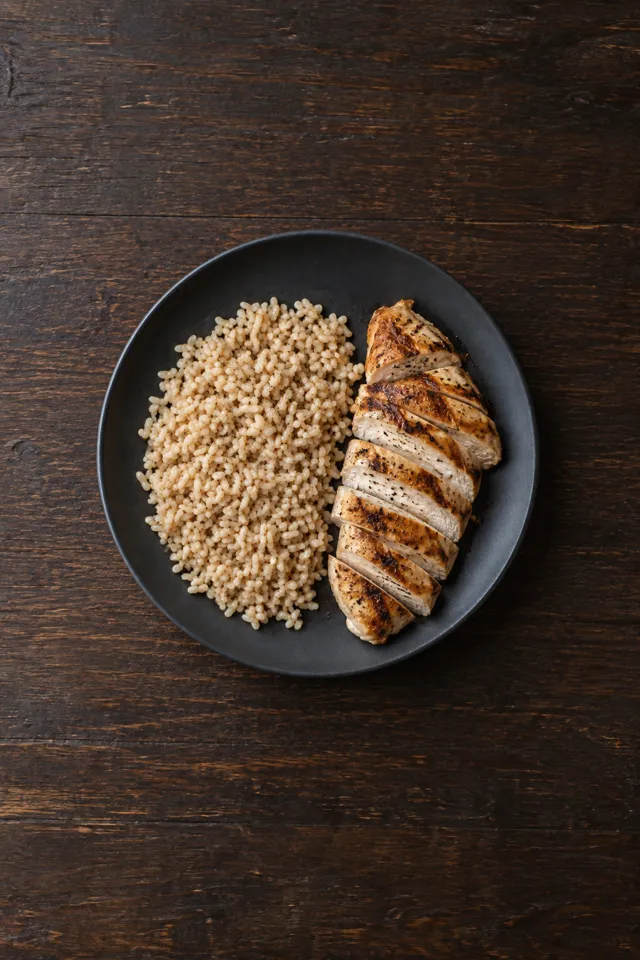
Search, scan the barcode, take a photo or say what you ate. Water is one tap. Foods you eat often come back under Your usual, same portion.
04 · Barcode
The barcode types it in.
Scan the packet and the product arrives with its portion and macros. Change the amount if yours was bigger, then save.
04 · Voice
Or say what you ate.
Say it in your own words and you get a draft with foods and amounts. Nothing is saved until you check it.
04 · The day
Targets you can overrule.
Calories, protein, carbs and fat start from the answers you gave at sign-up, worked out the same way as the macro calculator. Set your own numbers in Settings whenever you like.
- kcal today
- 3,150
- protein
- 144 g
- water
- 2.8 L
05 · Apple Watch
The session on your wrist.
Plan, sets, rest and heart rate all run on Apple Watch. The phone can stay in your bag.
- Log on the watch
- Live heart-rate zones
- Time in zone recap
The crown
Set the weight with the crown.
Turn the crown to change the weight or the reps, then tap once to log. The top line shows which set you are on, and warm-ups are labelled.
Rest
Rest starts on its own.
The timer starts when you log the set, with your next set and your live heart-rate zone under it. Add or take off 15 seconds with one tap.
Effort
Tell it how hard that was.
After the last set of an exercise, pick Max, Hard, Good or Easy. The overload rule reads it next time, so reps you had left still count.
06 · Recovery
See what has recovered.
Every set you log feeds a recovery score for each muscle. Before you start, the session shows how recovered the muscles it trains are.
07 · Library
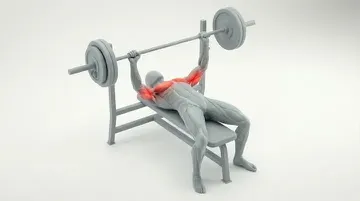
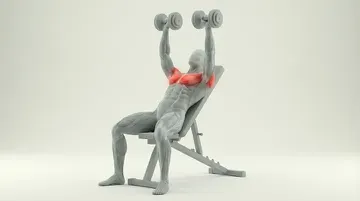
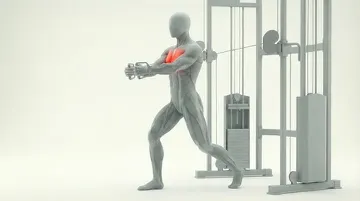
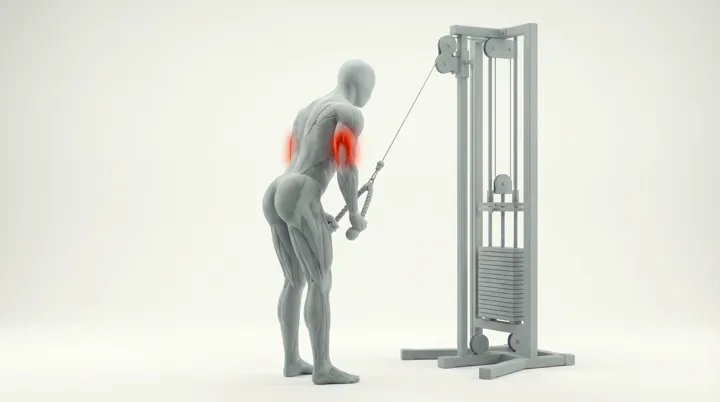
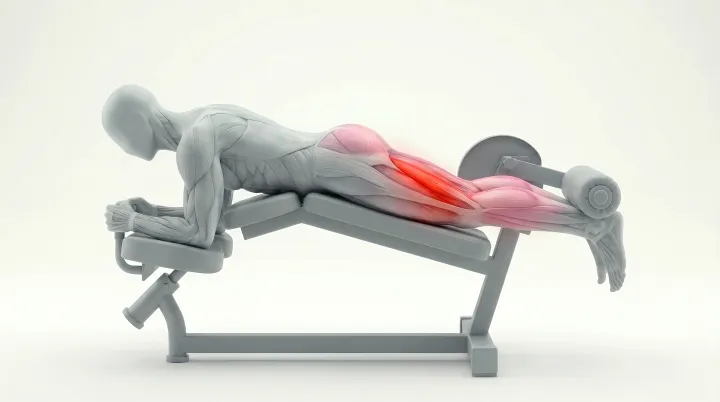
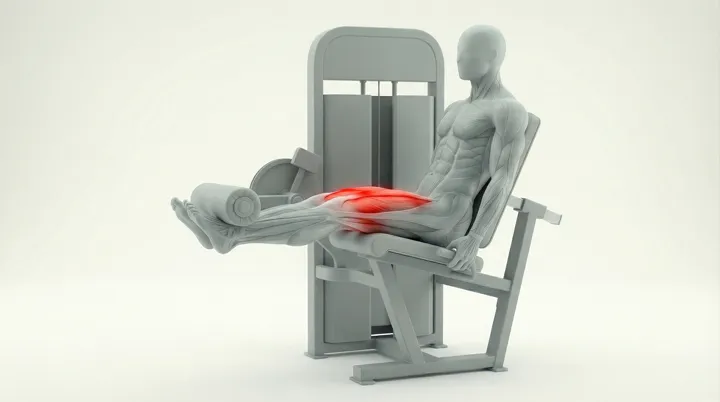
Every lift on video, with cues.
The list shows only what your gym has, so you never pick a machine that is not there.
- Barbell
- Cables
- Machines
- Dumbbells
- Bodyweight
08 · Import
Your old plan, moved over.
Send a screenshot from another app, a link or a file. It comes back as a draft plan you can fix before you save it.
Screenshots are read on your iPhone and stay there
09 · MCP
The QuietGains MCP server.
Change your plan, ask about any session and log meals from Claude, ChatGPT, Cursor or any MCP client.
Ask
Ask about any session.
Your AI reads your workouts, personal records and trends straight from your log, with your real numbers.
Log
Log from the chat.
Tell it what you ate or what you lifted. It all lands in QuietGains.
Set up
Connected in a minute.
Premium members add one URL and sign in once.
- 1Copy the server URL
- 2Add it as a custom connector in your AI app
- 3Sign in with your QuietGains account
https://api.quietgains.app/mcp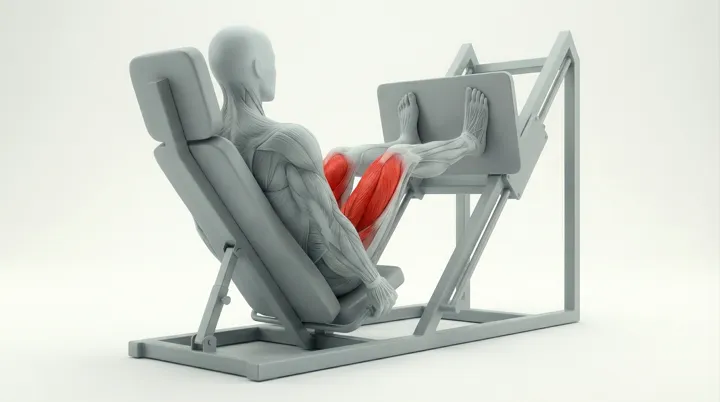
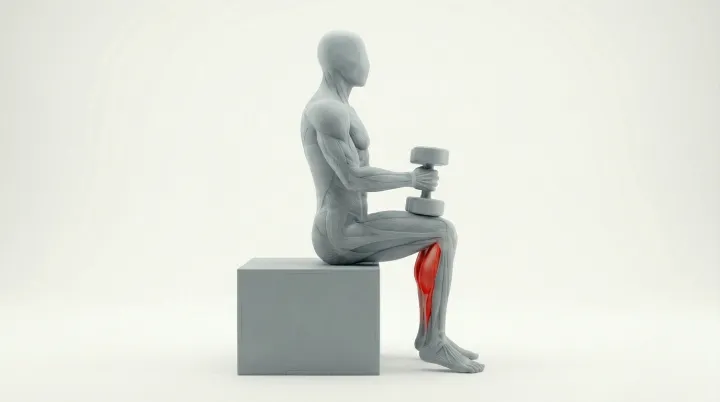
10 · Your gyms
Plans that fit the gym you are in.
Save each gym you train at with the equipment it has. When a machine is taken, swap to another exercise for the same muscle, and its weights come from your log.
- Each gym saved
- Its own equipment
- Swaps keep the muscle
11 · Progress
What the last 16 weeks say.
Your streak, a heatmap of 16 weeks of training, and four trends for the past 12 weeks: workouts, volume, sets and time.
12 · Body composition
Every scan on one line.
Photograph an InBody sheet or type the numbers in. Weight, skeletal muscle, body fat mass and body fat percentage each show the change since your last test, with a line through every test. The same four numbers work in the FFMI calculator.
- InBody sheets
- Typed by hand
- Scale weight
- Saved to Apple Health
13 · Training partners
Find someone who lifts at your gym.
See who trains at your gym on your days, ask to train together, and plan sessions that land in both your plans. Nobody sees you until you say so.